On some occasions users report that after installing an update to Map360 they are unable to run the newer version because of a message stating the license is expired:
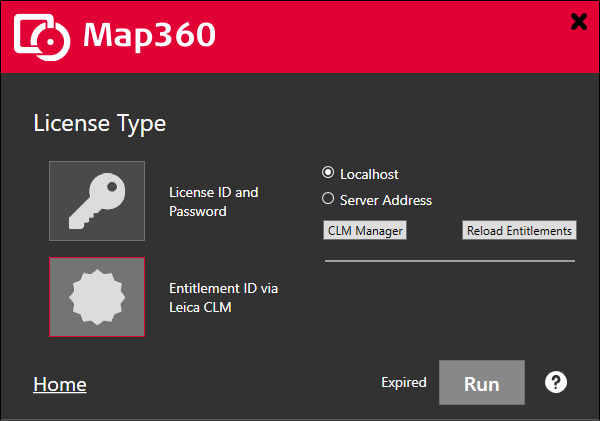
Please follow the following steps to resolve this:
- Please ensure that the CCP for your entitlement is current by selecting "CLM Manager" from the dialog shown above.
- If there is any ambiguity, log in to Leica MyWorld to check on the CCP status of your Entitlement
- Follow the steps in this article to return and refresh the license
- If you are still seeing the same issue, please visit the downloads page and install the newest version of CLM available. Restart the PC and test your license again.
If they steps fail to resolve the issue please contact our support team and provide your entitlement so we can investigate.
James Johnston
Comments